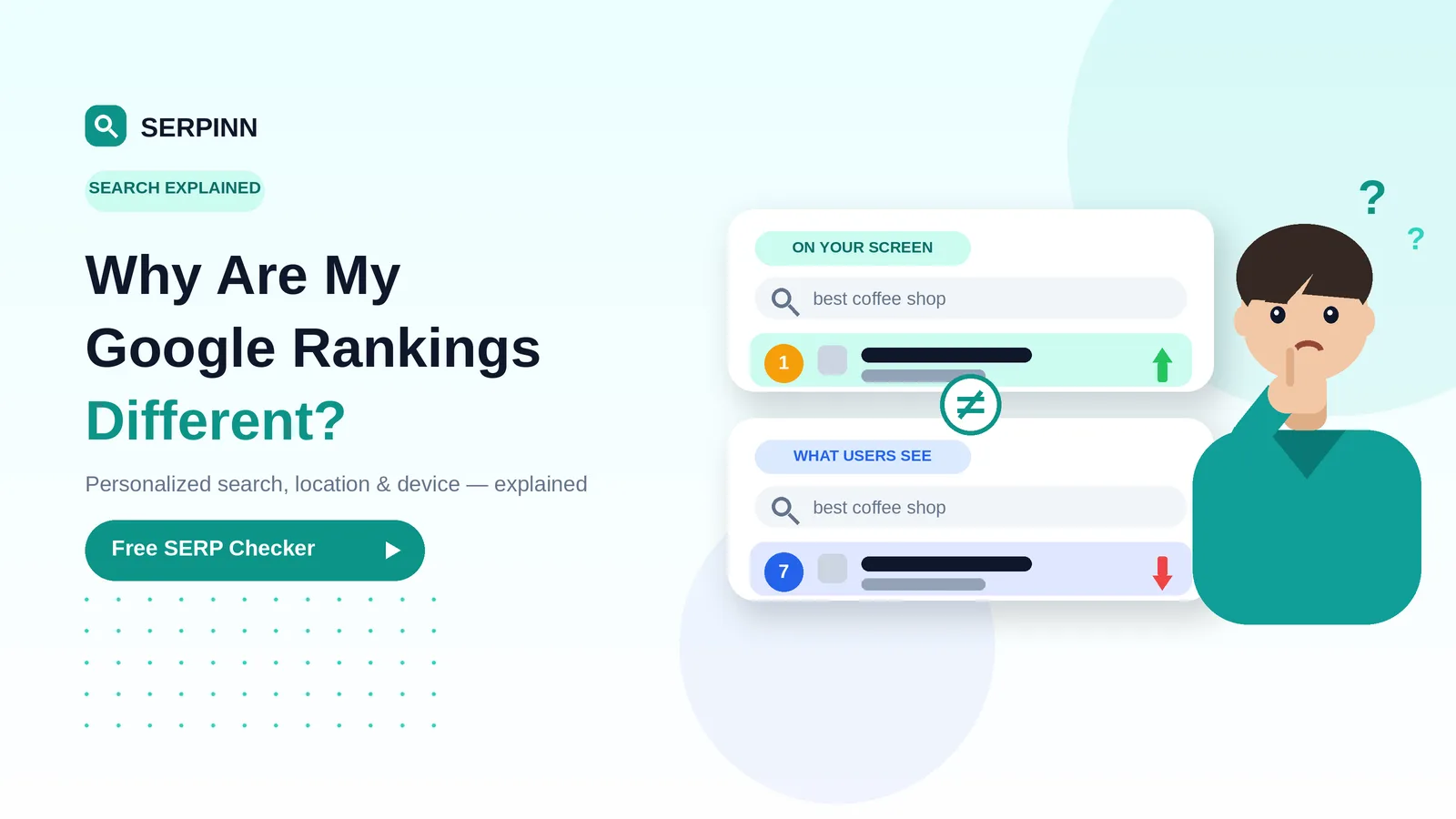

So you've published a page, optimized it, waited a couple of weeks… and now you want to know: where am I actually ranking on Google?
Good news — you don't need an expensive SEO subscription to find out. In this guide, I'll show you how to check your Google ranking the right way, why typing the keyword into Google can lie to you, and how to get a clean, accurate result in under a minute.
What "Google ranking" really means
Your Google ranking is the position your page shows up at for a specific search term, in a specific location, on a specific device. That's three "specifics" — and they all matter more than most people realize.
Why? Because Google personalizes results based on:
- Where you are (country, city, even neighborhood)
- What language and device you're using
- What you've searched and clicked before
- Whether you're signed into a Google account
So if you type "best running shoes" into your phone in New York, you'll see a different list than someone searching the same thing on a desktop in London. Same keyword, different reality.
Why checking Google "by hand" gives you the wrong answer
Most people open Google, type the keyword, and scroll until they find their page. It feels like the obvious move. But here's the catch:
- You're signed in. Google knows your history and tweaks results just for you. Your site probably looks higher than it really is.
- Your location is baked in. If you're in your office, you're getting your office's local results, not what your customer in another city sees.
- Cache and cookies push results around. Even private browsing isn't perfectly clean.
Translation: that "I'm ranking #4!" moment in your browser might be a #18 for everyone else.
The clean way: use a free rank checker
A rank checker queries Google from a neutral location, without any of your personal history attached. You get the raw position — the one your future customers actually see.
That's exactly what SERPINN's free SERP Checker does. No account needed, no credit card, no signup wall — just type in your domain and the keyword you care about.
How to check your ranking in 4 steps
- Open the free tool. Head to the SERPINN SERP Checker.
- Enter your domain. Use the version that actually shows up in search (with or without www — match the canonical).
- Type one keyword. Pick a phrase a real person would search, not just your brand name. "vegan protein powder" beats "best vegan protein powder online to buy now".
- Pick country and language. If you sell to customers in Germany, set Germany. If you serve English-speakers worldwide, start with US English and check a couple of others.
You'll get the exact position your domain holds for that search — usually within a few seconds.
What to do once you know your rank
A ranking number on its own is just a number. Here's what to do with it.
If you're ranking 1–10
You're on page one. Focus on protecting the spot and squeezing more clicks out of it. Rewrite the meta title and description to be more click-worthy, add schema, and keep the content fresh.
If you're ranking 11–30
You're close. This is where most of your SEO wins come from. Look at what the top 5 results are doing that you're not — usually it's content depth, internal links pointing at the page, or earning a few good backlinks.
If you're ranking 30+ or not at all
Don't panic. New pages take 3–6 months to settle. Make sure the page is indexed (search site:yourdomain.com/your-page in Google), the keyword is in the title and first paragraph, and you've got at least one internal link pointing to it from a strong page on your site.
Should you check rankings every day?
No. SERPs fluctuate constantly — checking one day to the next will drive you crazy with no useful signal. A healthy rhythm:
- Weekly for your top 10–20 money keywords
- Monthly for everything else
- One-off spot-checks when you publish new content or notice a traffic dip
If you'd rather have it tracked automatically — daily, with charts and email reports — that's what SERPINN's paid plans are built for. For one-off checks though, the free tool has you covered.
Frequently asked questions
Is checking Google rankings really free?
Yes. SERPINN's SERP Checker is free to use without signing up. If you want automated daily tracking across hundreds of keywords, that's where the paid credit packs kick in — but for manual checks, you don't pay a thing.
How accurate is a free rank checker?
Very accurate, as long as it queries Google from a neutral location matching your target market. SERPINN runs queries through clean, non-personalized sessions, so what you see is close to what an average searcher sees.
Why does my ranking change from day to day?
Google updates results constantly based on freshness, click-through rate, user behavior, and the dozens of small algorithm tweaks rolled out every week. A swing of 1–3 positions day to day is normal. Look at trends across weeks, not single-day snapshots.
Can I check competitor rankings too?
Yep — just put their domain into the tool. It's one of the fastest ways to scout what's working for them.
Quick recap
Checking your Google ranking isn't complicated, but doing it in your normal browser will lie to you almost every time. Use a free rank checker for a clean, accurate position — then act on what it tells you.
Ready to see where you stand? Try the SERPINN SERP Checker — no signup, no credit card. Or grab 100 free credits when you sign up and automate the whole thing.